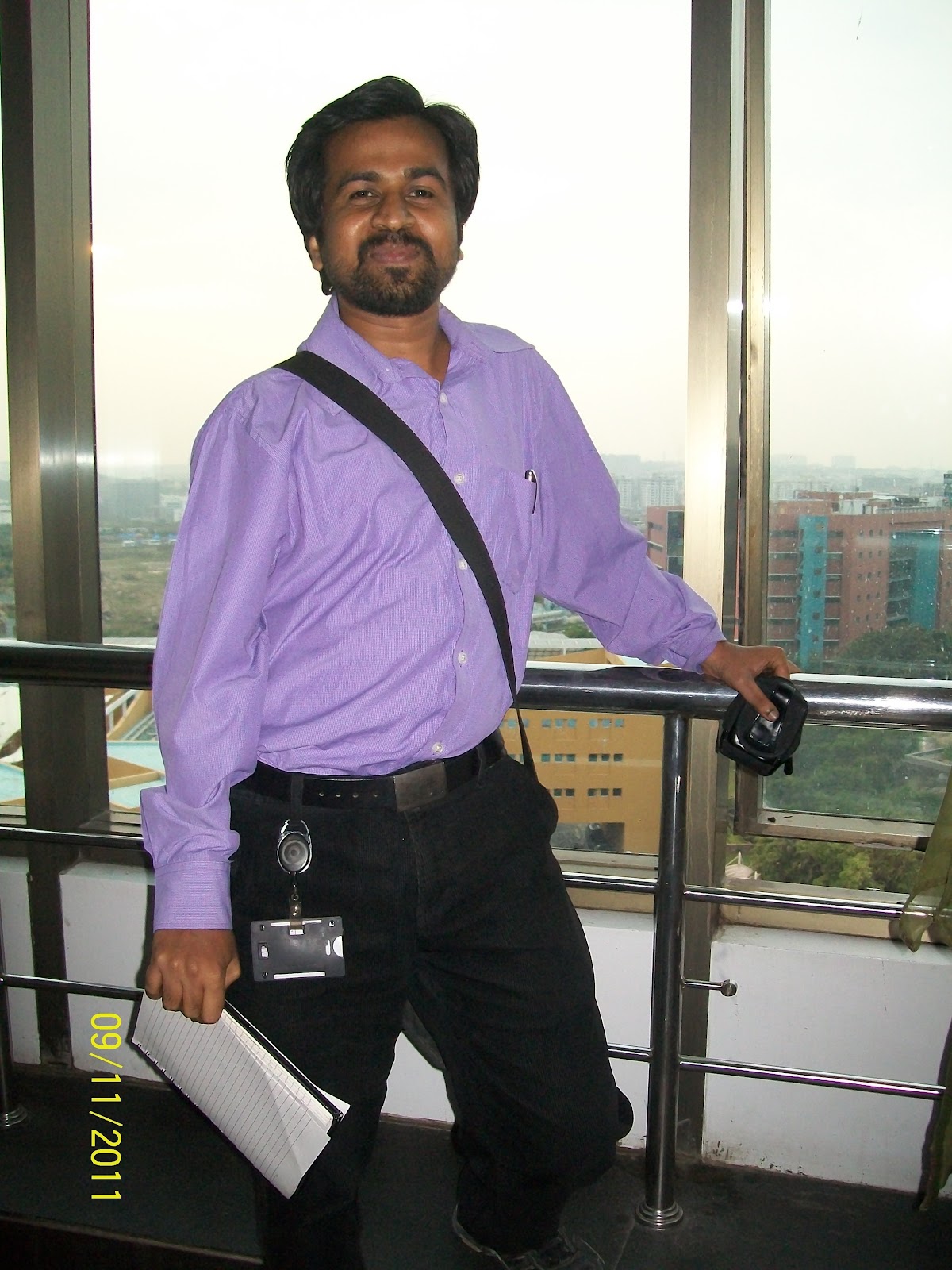
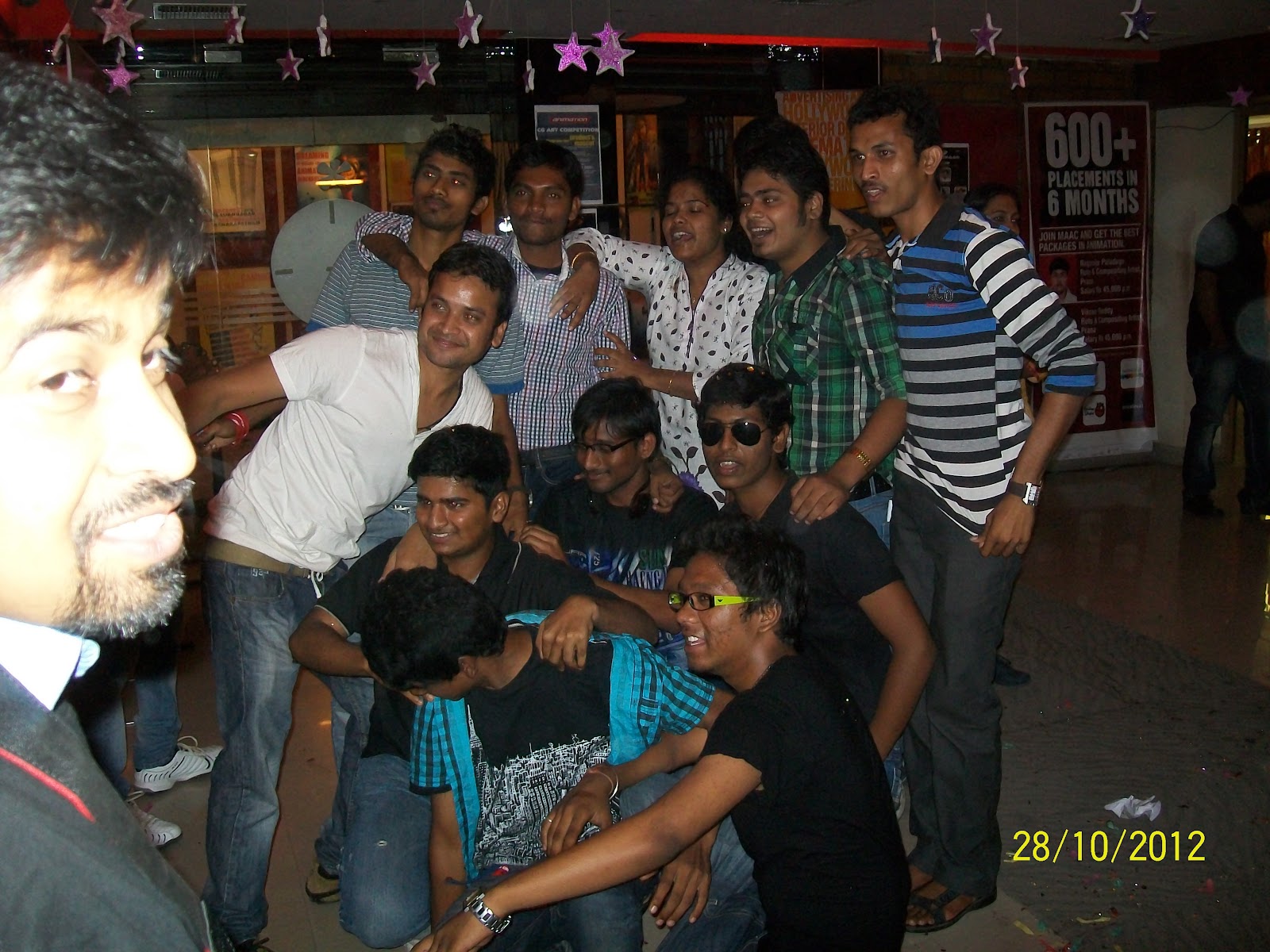
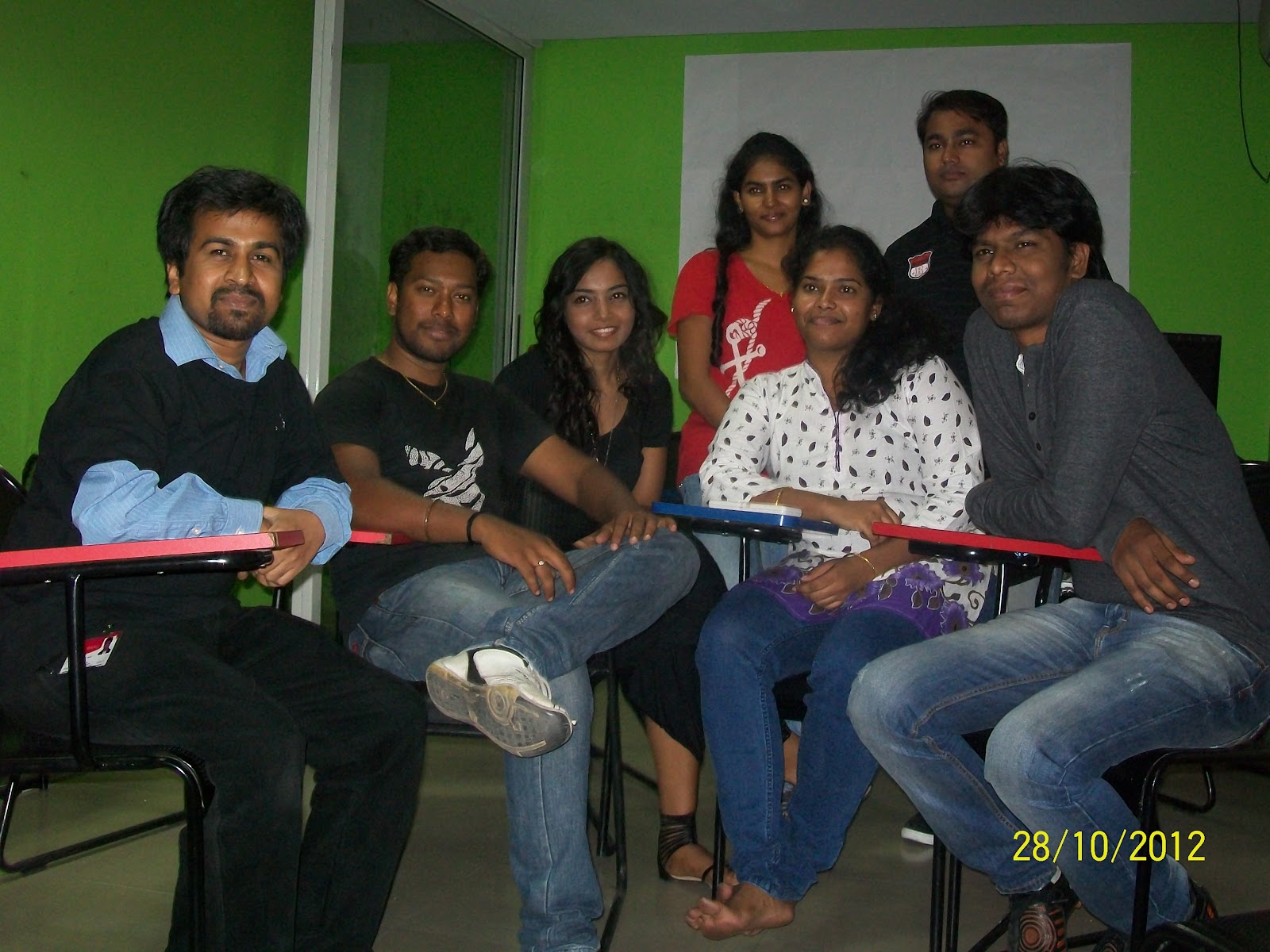
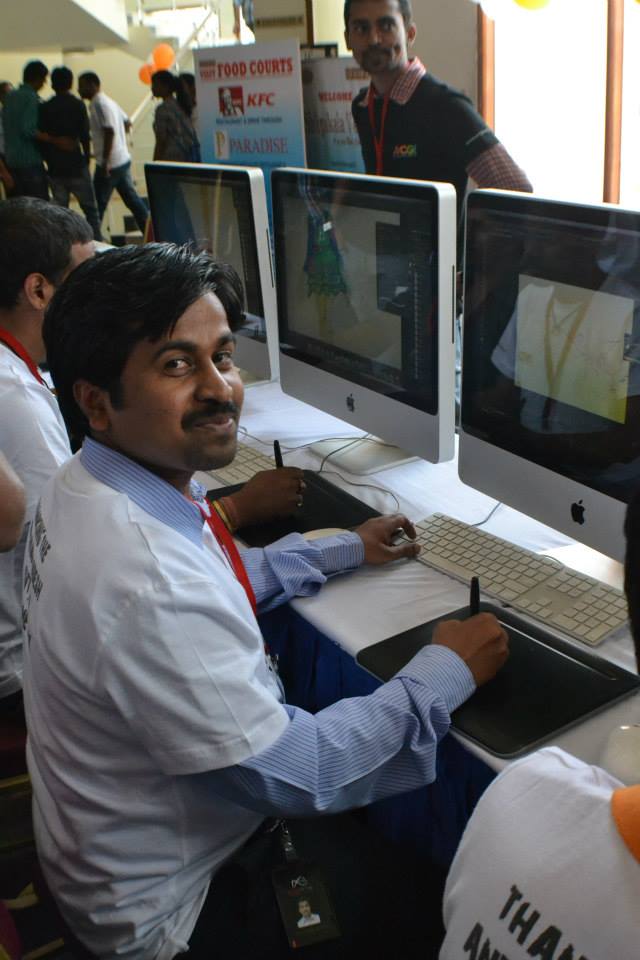
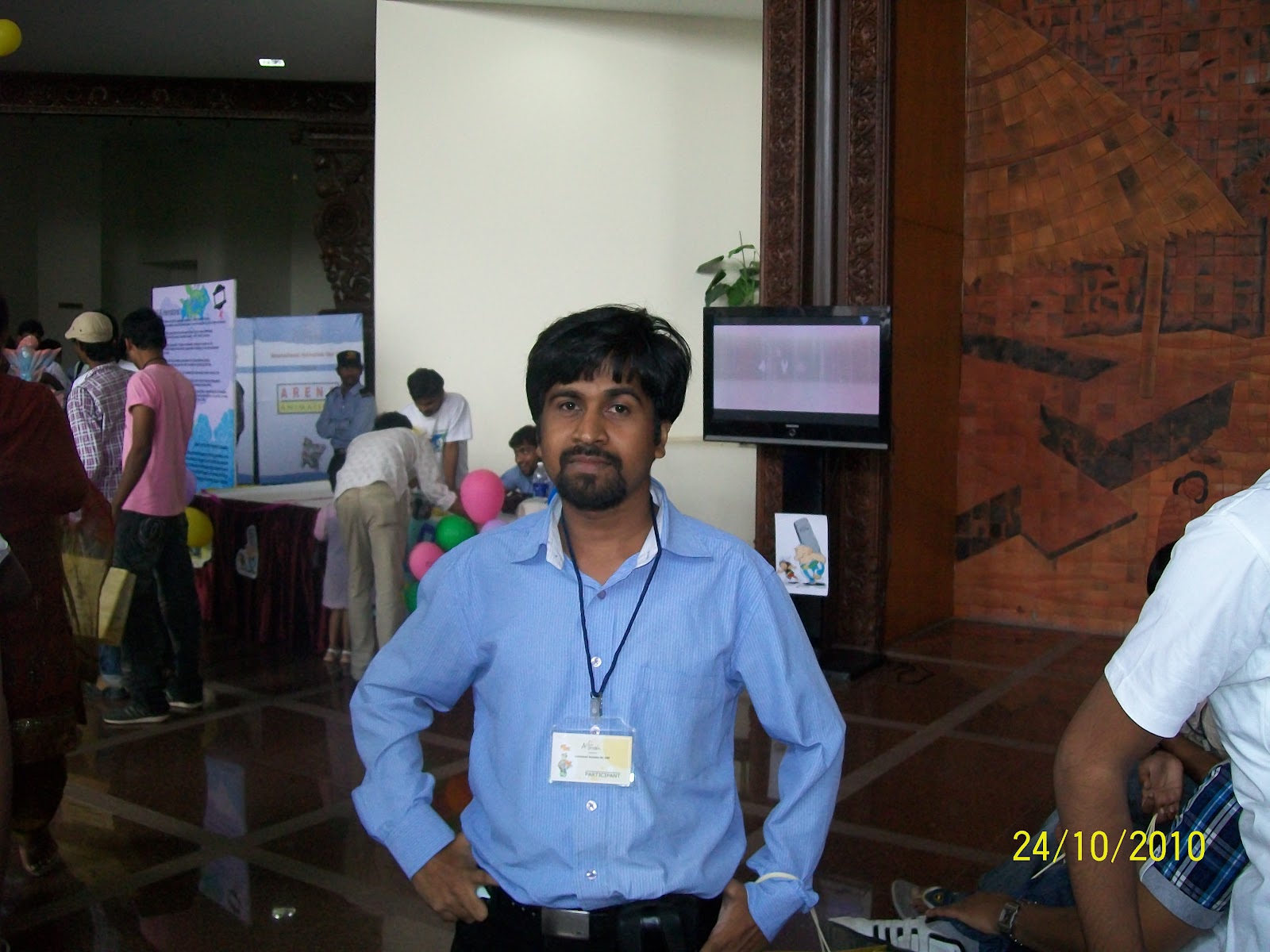
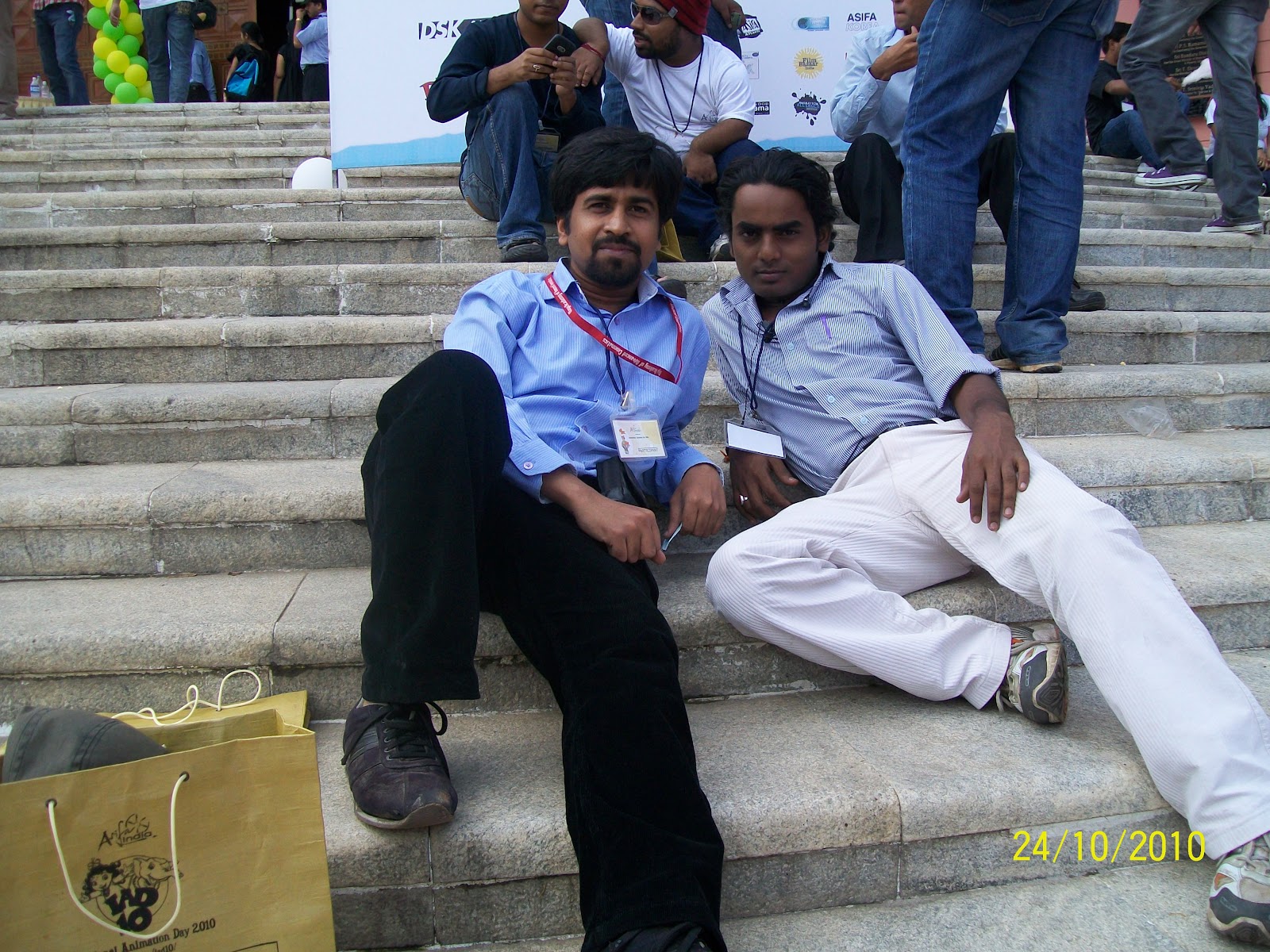
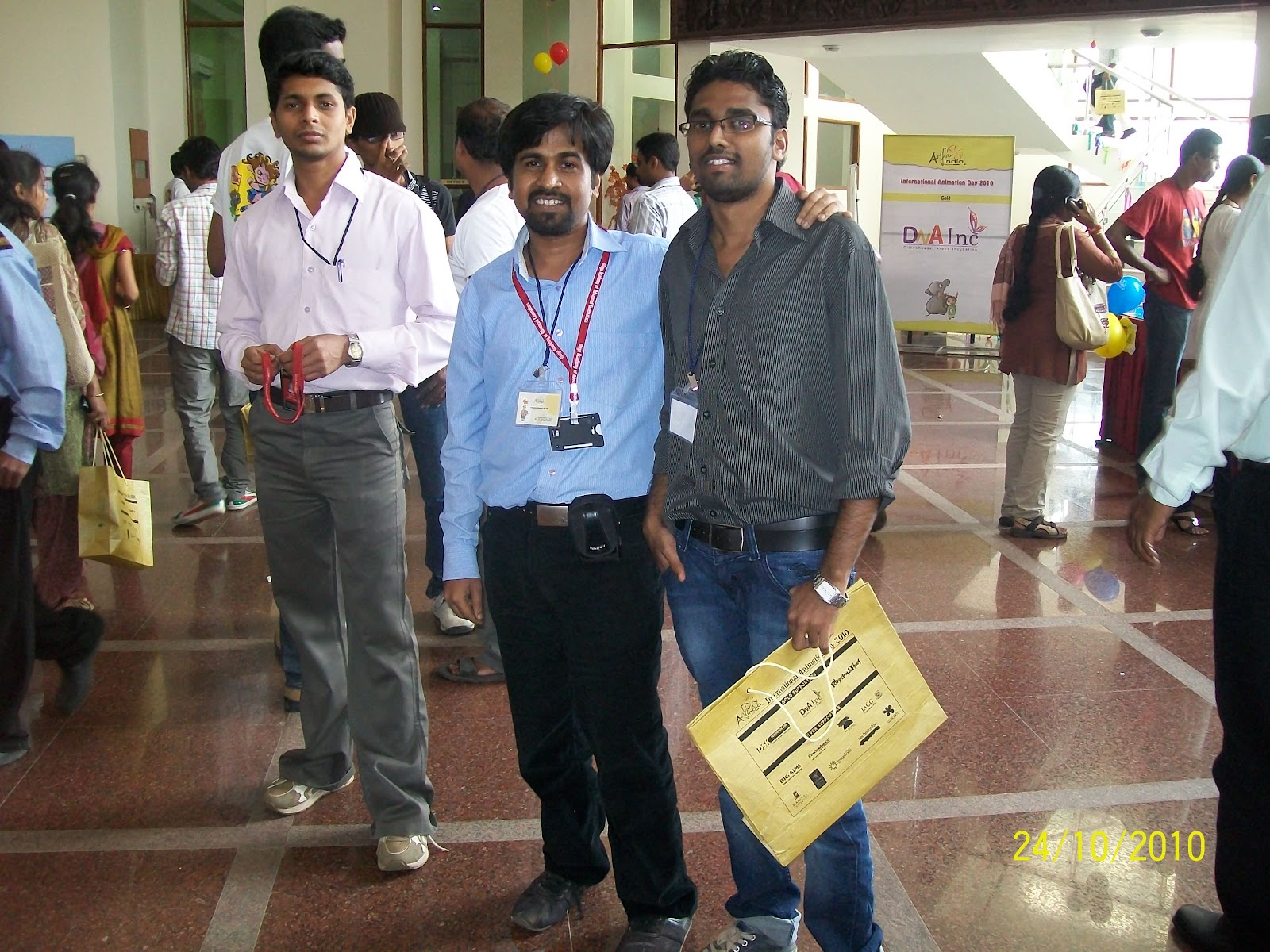
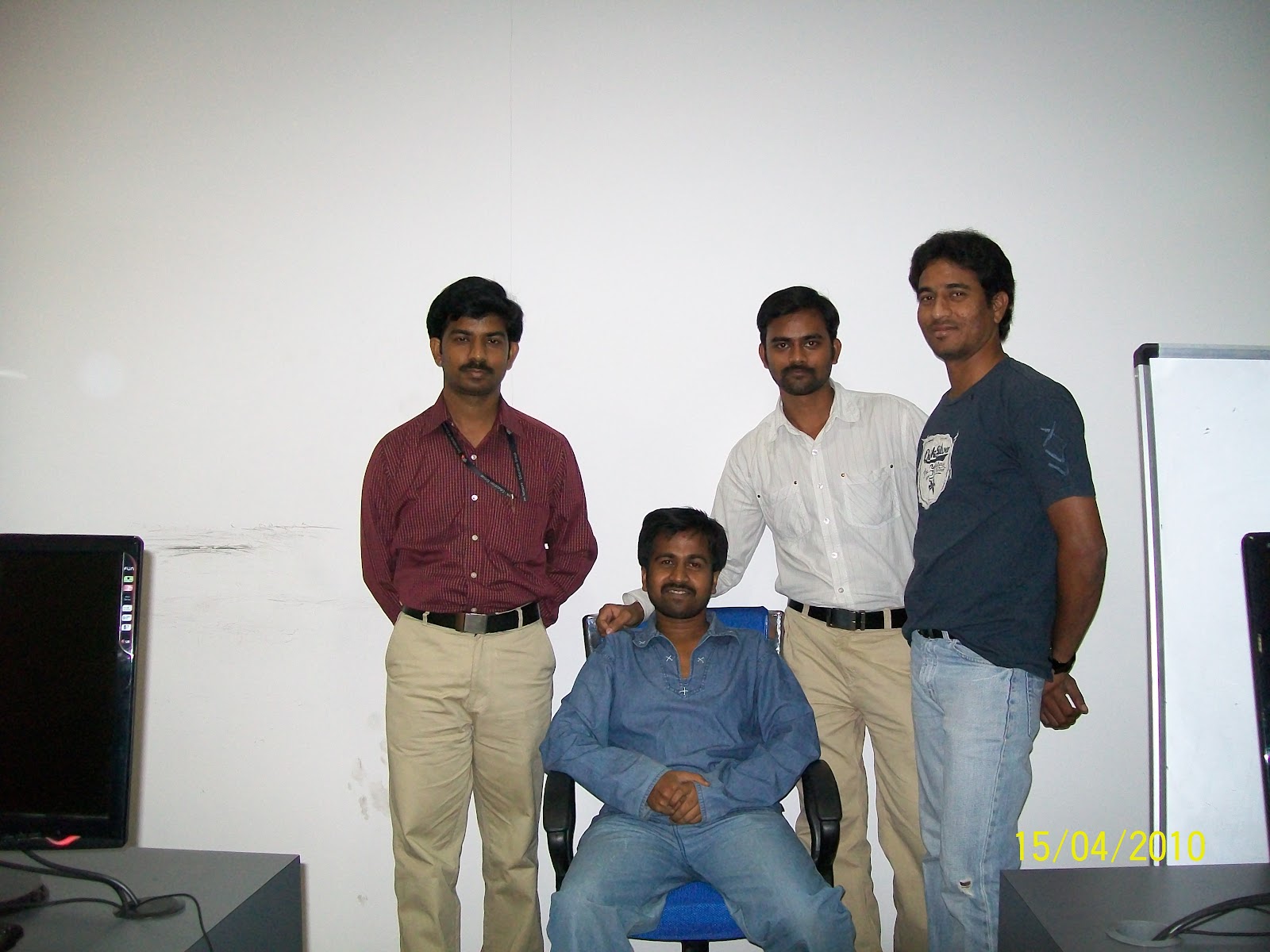
with young trainee artist at past........ now they are master in their specialisation and with staff of film studio


at chaumahal ,hyderabd with cg trix

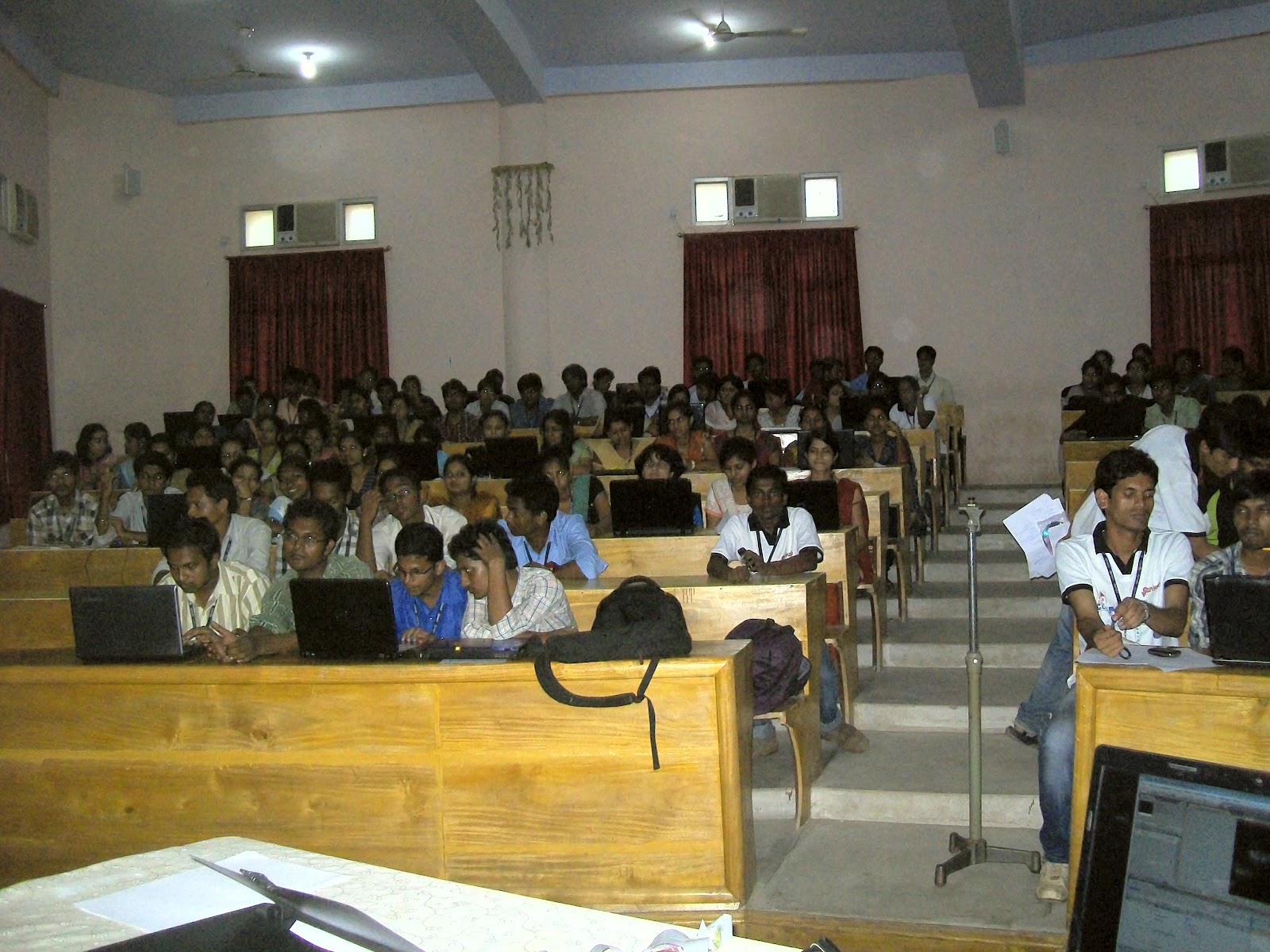
14th may 2012  NIST ,BERHAMPUR,ODISHA


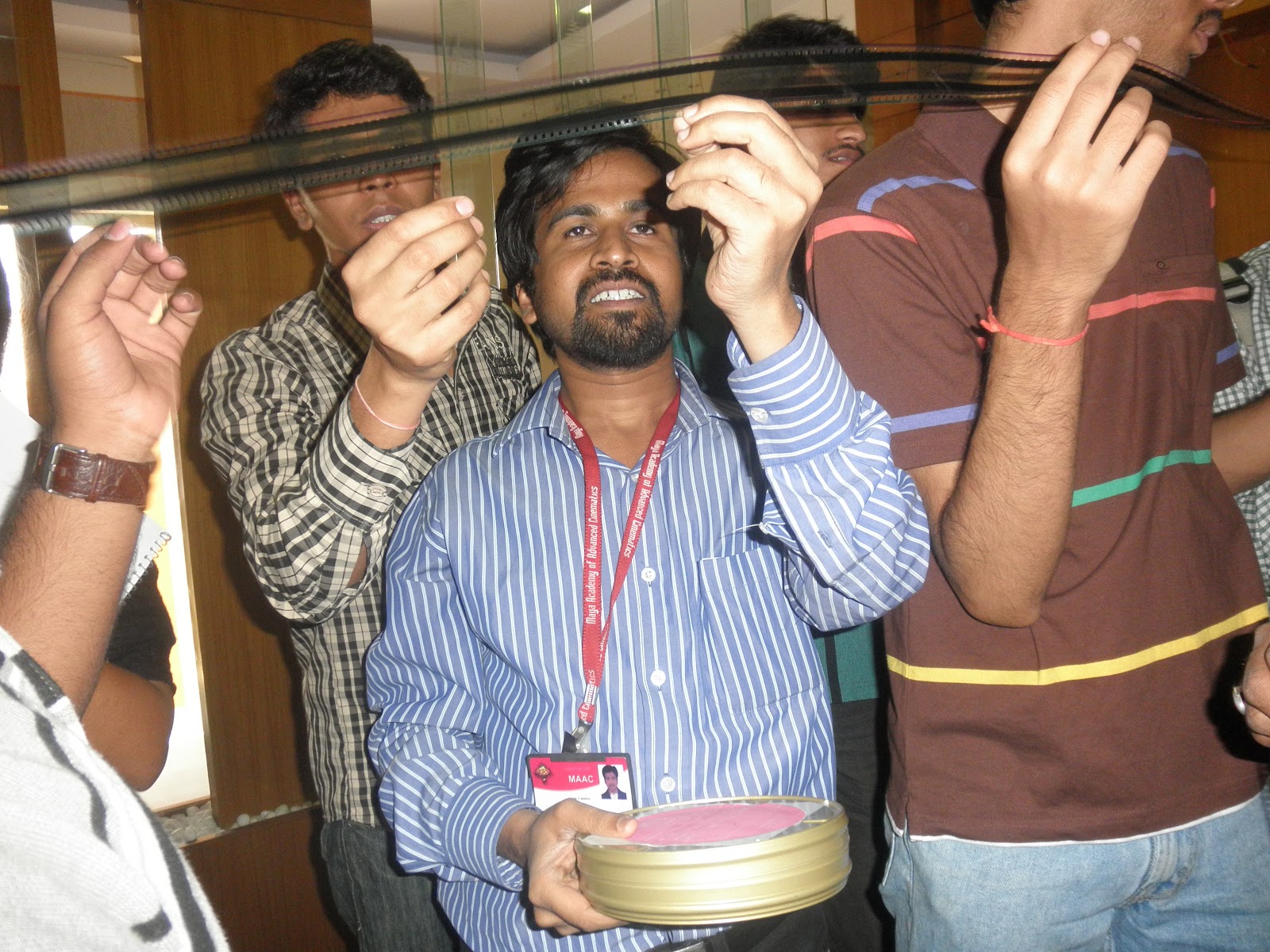
8.RVML STUDIO visit with student of MAAC,HYD 4TH Feb 2011


blue pixcel artist at hyderbad


WITH  nilesh   back pruthivi ADOBE CS5 LUNCH AT HYD


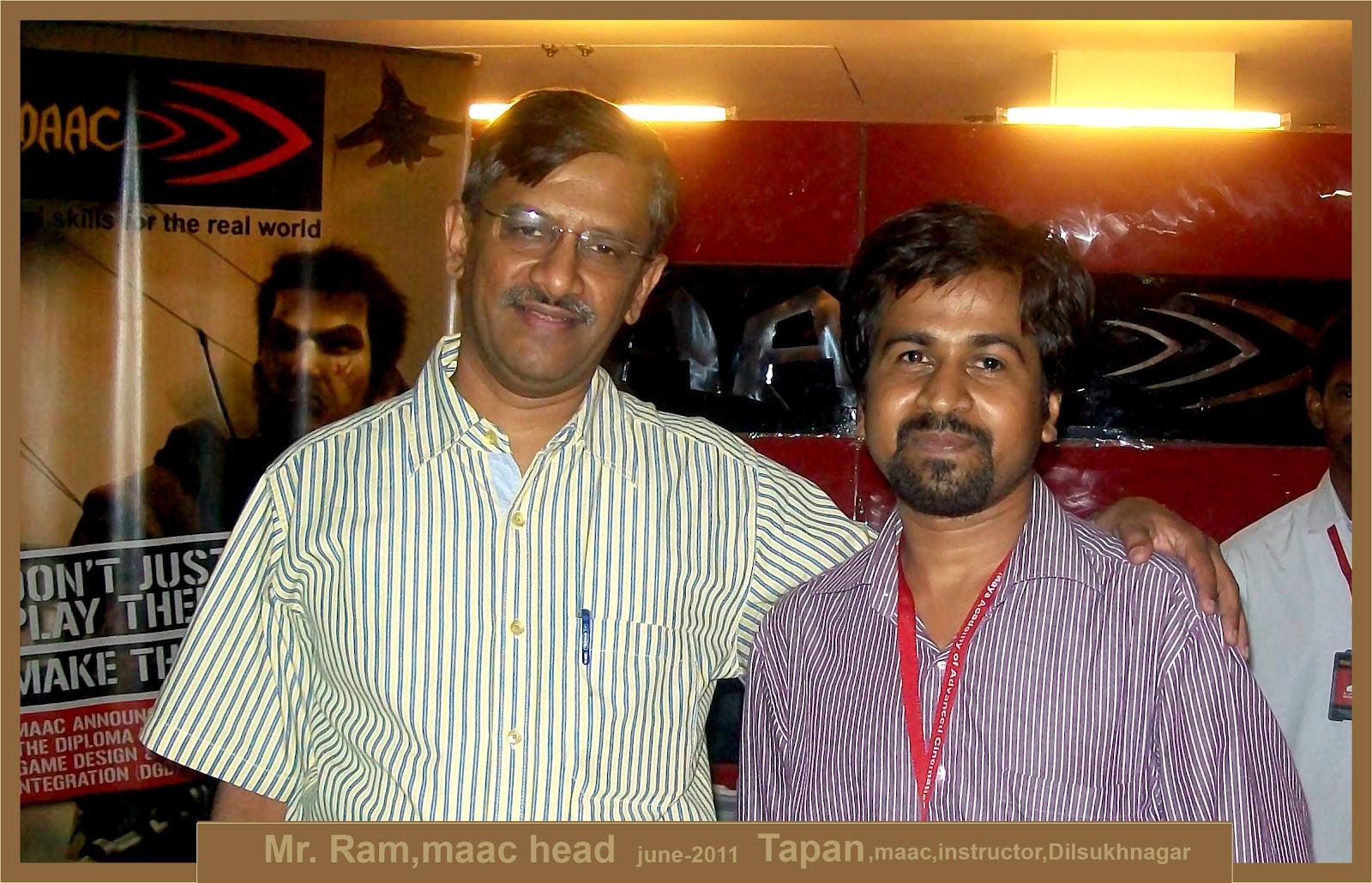
nd Mr.Tapan


15-04-2010 SEKHAR  TAPAN


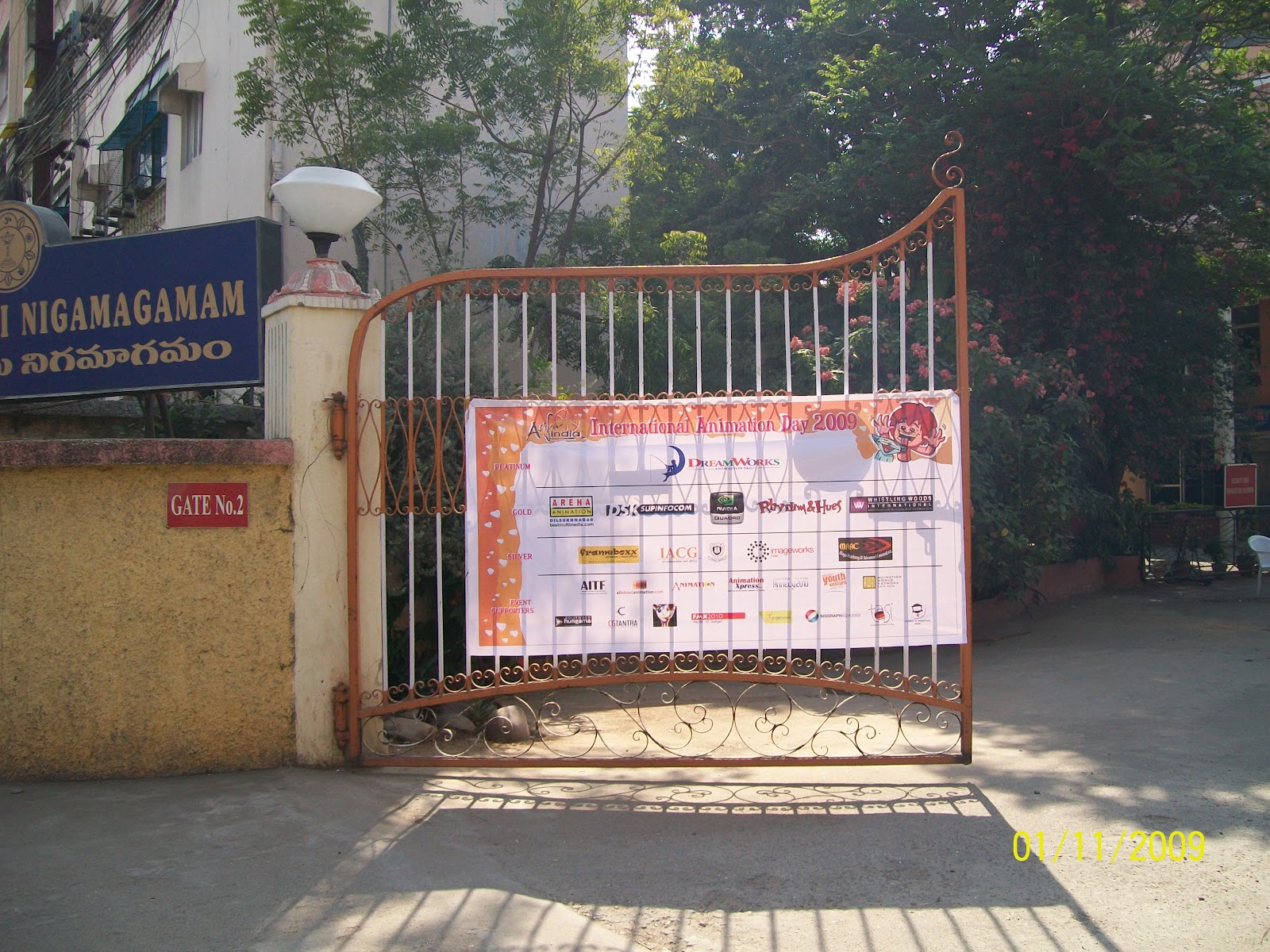
Mr.Tapan and Sandeep at 2009 International Animation Day ,Satysai Nigamam ,Hyderabad

with staff at Think smart film studio ,hyderbad


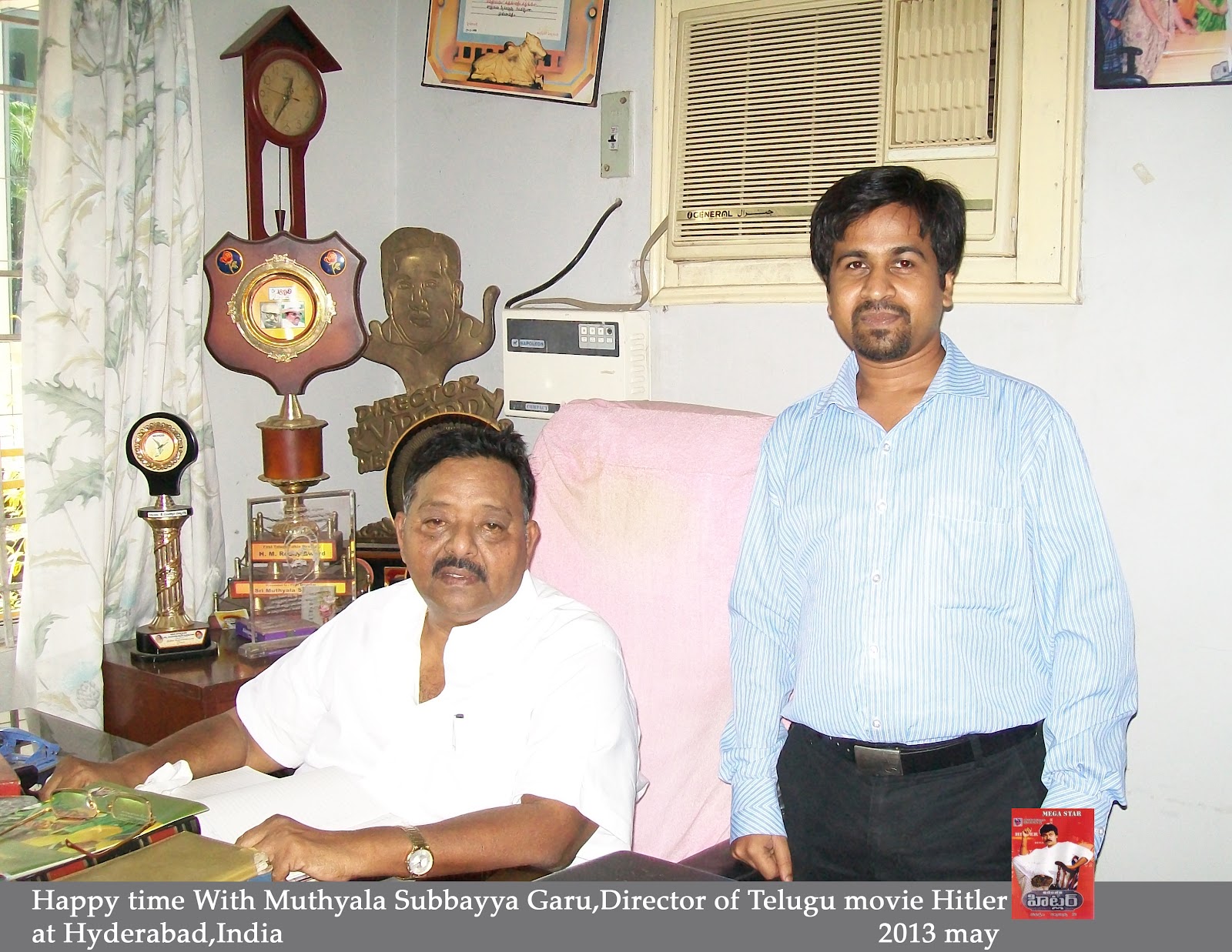
Subaya Mutheyala garu ,Mr.TApan and  VAMSIJI


with Dir  Nikhil Kunta
The director of The hyderbad movie
The Angrez


Comments

Popular posts from this blog

TIPS AND TRICKS WITH HOTKEY

Indesign hotkey with tips and tricks 10/11/2017 1.TO GIVE HOT KEY ON PARAGRAPH OR CHARACTER STYLE NEED A NUM KEYBOARD 2.WE CAN ASSIGN A ALPHABET ON THE DEC TAB SETTER TO ALIGN link: https://learn.g2.com/what-is-graphic-design design field https://www.vistaprint.in/business-cards?txi=15626&xnid=TopNav_Visiting+Card&xnav=TopNav for all size print photoshop hotkey PHOTOSHOP SHORTCUTS Keys for viewing images This is not a complete list of keyboard shortcuts. This table lists only those shortcuts that are not displayed in menu commands or tool tips. Result Windows Mac OS Cycles through open documents Control + Tab Control + Tab Close a file in Photoshop and open Bridge Shift-Control-W Shift-Command-W Toggle between Standard mode and Quick Mask mode Q Q Toggle (forward) between Standard screen mode, Maximized screen mode, Full screen mode, and Full screen mode with menu bar F F Toggle (ba...

adobe animate cc

 flash / animate cc   16-4-24 animation can be done in 4 way 1 .frame by frame animation --------------------- f5 = key frame f6 = duplicate key frame f7 = blank frame shift +f5= remove frame ------------------------------- v= selection tool B = classic brush  k= paint bucket -------------------------------------------------- q= transform tool ctrl + x = cut ctrl + v= past in center of canvas ctrl + shift + v = past in same place ctrl + D = duplicate object in same layer ------------------ alt + shift+ o = show onion skin range alt + shift+ L = show loop range . = next frame , = previous frame enter = play ctrl + enter = swf player view ------------------------------- wdit multiple frame = to select range of frame at a time (the option is in the view port ) ------------------------------------------- shift +b= break apart in text to get it separate and convert it in to a graphics format so we can pull each art of the text ( two time shift + b if more alphabet ) -----...

nuke hotkey and silhouette

  ------------------------------------------------------------------------------------------------------------------------ note on silhouette paint 1=original 2=output =============================--------------------------------------------====== shift to take the source -------------------------------------------------------------------------------------------------------------- ctrl and drag to increase the brush size ====================---------------------------------------------------------========= make sure Alph on in brush setting --------------------------------------------------------------------------------------------------------------- increase the size of the setting  session- session setting-change the w and h so we can paint out area too ------------------------------------------------------------------------------------------------------------------------ we can add extra node to paint on the extended area 1.node graph- composite- composite ( connect it to t...